Your desktop,
but alive.
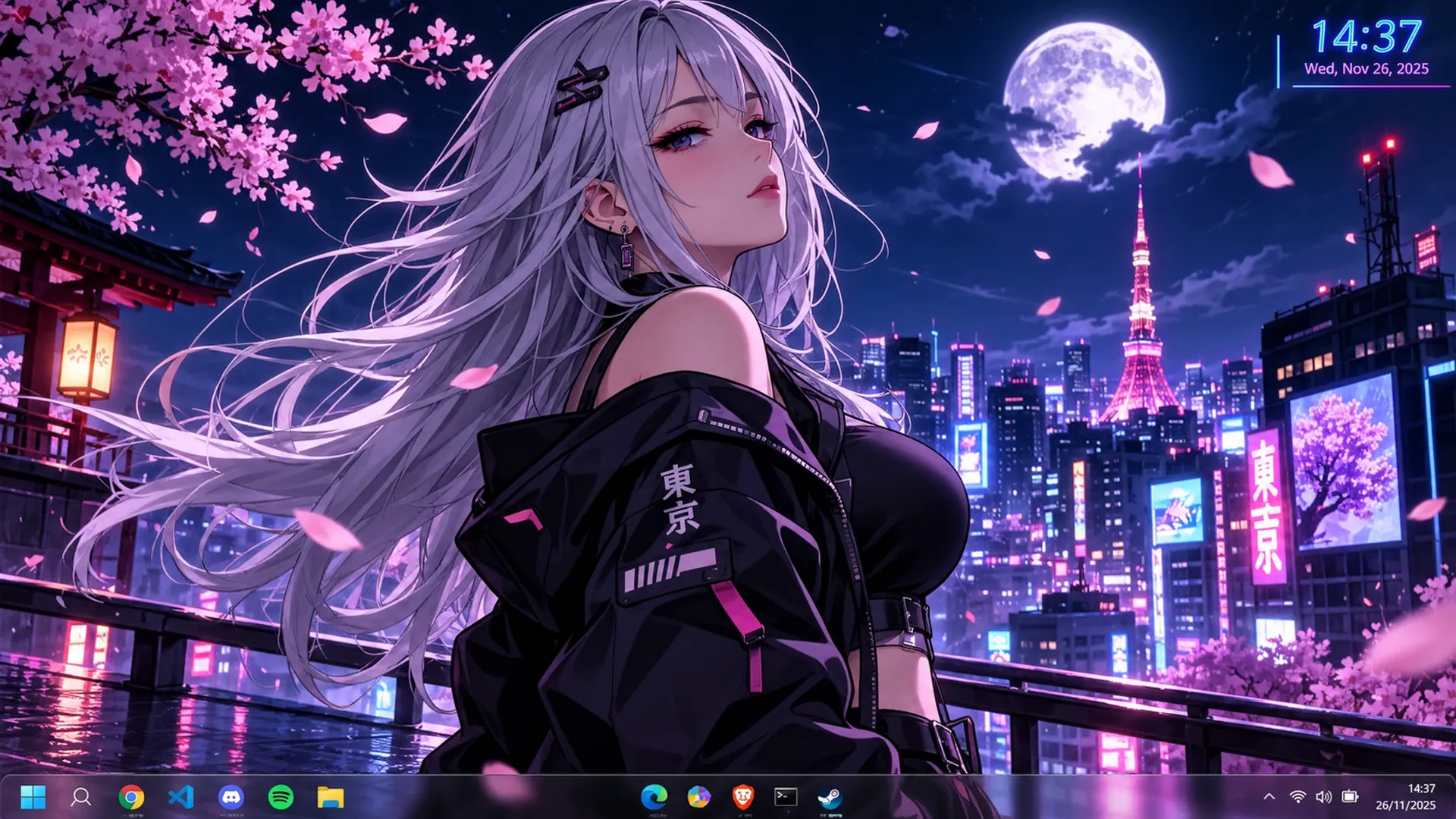
Animated anime wallpapers with effects, a fully transparent custom taskbar, a desktop clock and one-click window layouts. One app, one click to install.
v1.0.1 · 51 MB · one installer · no admin needed
Everything your desktop was missing.
Six pages of settings in a futuristic app, all built to stay out of your way when you work or play.
 01
Animated wallpapers with effects
Videos, GIFs or images, with Motion and Overlay effects like sakura, rain and glitch. Build a playlist and the wallpaper pauses by itself during games or on battery.
 02
A taskbar you design
Fully transparent. Drag elements into left, center and right zones, pin your apps, one bar per screen.
 03
Thousands of wallpapers
Search Wallhaven anime art with no key, install MoeWalls and MotionBgs clips in one click, plus Pexels and Pixabay.
 04
Desktop clock
Five styles, any corner, any size, 12 or 24 hours, on every screen.
 05
One-click tiling
Columns, grid or focus: every open window snaps into place.
 06
Animated screensaver
Your wallpaper becomes the screensaver after the idle time you choose, and the lock screen gets a matching snapshot.
 07
Settings that look the part
Taskbar, Custom bar, Workshop, Wallpaper, Window layout, Desktop. Open it from the Start menu, the ⚙ button or Ctrl + Alt + S.
Control it without looking.
Every shortcut is Ctrl + Alt + a letter. Go on, try one on this page.
Installed in one click.
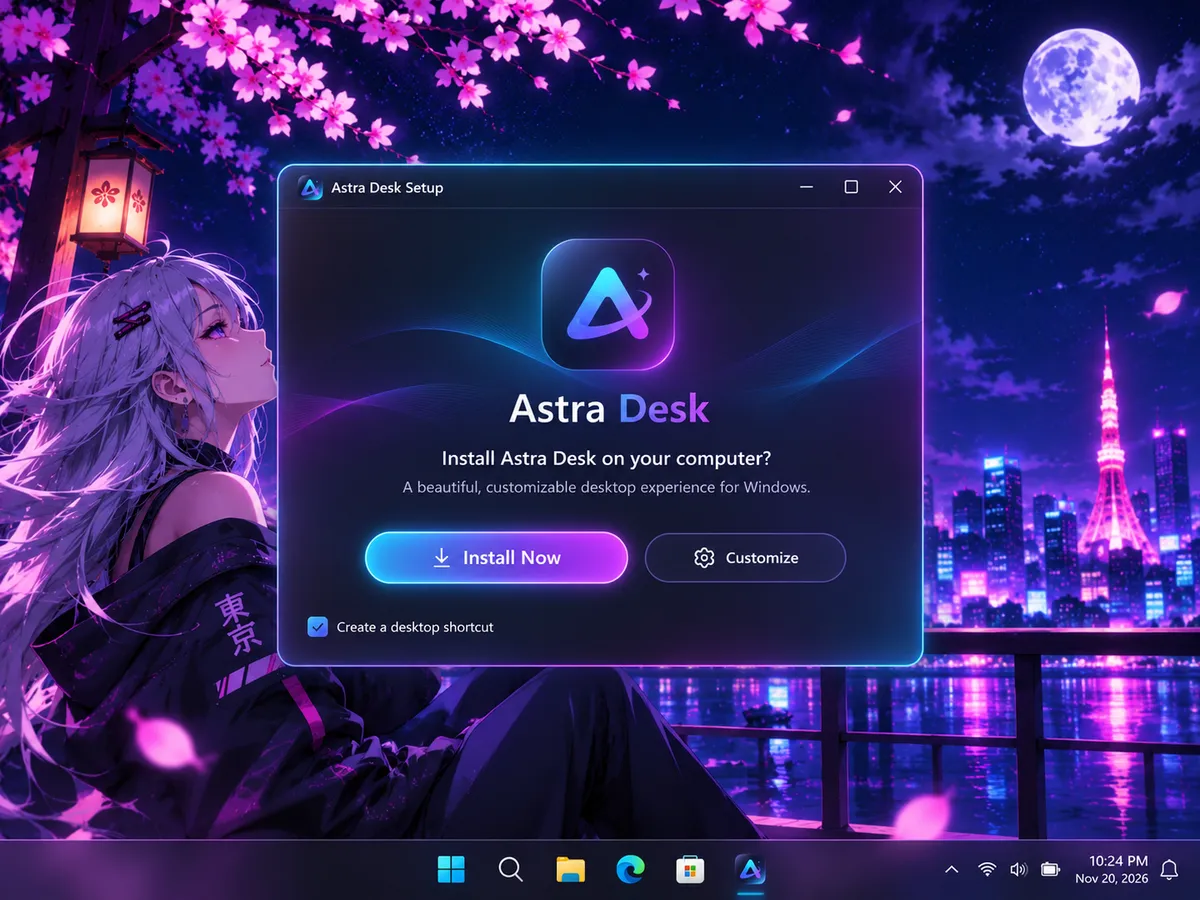
A two-click installer, no admin password, nothing else to install.
- 1Download AstraDesk-Setup.exeOne file, 51 MB.
- 2Run it and click InstallIt installs for your account only, with a Start menu entry you can search for and an optional desktop shortcut.
- 3Pick a wallpaper and style your barOpen it any time with Ctrl + Alt + S. Uninstall from Settings > Apps whenever you like.
Good to know.
Is it really free?
Yes. No ads, no account, no paid version. Donations are optional.
Will it slow down my games?
No. The wallpaper pauses by itself when a game or full-screen video is running, when a window is maximized, when the PC is locked, and on battery if you turn that on.
Windows shows a "protected your PC" warning. Is that normal?
Windows SmartScreen warns about new apps it hasn't seen often yet. Click More info, then Run anyway.
Can I get my normal taskbar and wallpaper back?
Yes. Quit from the settings sidebar and the Windows taskbar and wallpaper come back. Uninstalling from Settings > Apps also restores the taskbar, desktop icons, startup and screensaver settings.
Why is the lock screen a still picture?
The Windows lock screen only supports still pictures, so it gets a snapshot of your wallpaper. The animated version is the screensaver.
Can I share the wallpapers I download?
Anime art belongs to its creators and studios. Keep downloads on your own desktop and don't redistribute them. They're saved in Videos\Wallpapers and stay there after uninstall.